Wi-Fi Image Transmission
QR Code Connection
Before use, ensure a 2.4 GHz Wi-Fi network is available.
Connect by scanning the Wi-Fi QR code.
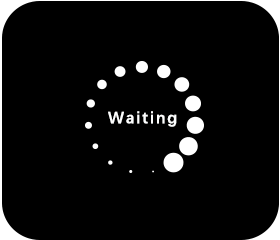
After scanning, the screen will first display “Starting Wi-Fi”, then proceed to the IP address display screen once the connection is established.
Displaying IP Address
After a successful connection, the screen will show the SSID, password, and assignedIP address.
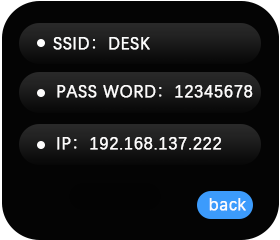
Image Transmission Access
Within the same LAN, open any browser and enter the displayed IP address to start image streaming.
During streaming, the screen will automatically enter sleep mode for power saving.
Rotate or press any button to wake the screen.
If the transmission ends, the K210 screen will automatically wake up again.
Exiting Image Transmission
After waking the screen, long press the button to open a confirmation dialog and choose Exit Transmission.
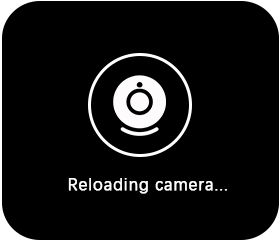
When the user confirms exit, the screen will briefly display “Reloading camera”, then return to the QR code connection interface.