Quick Start
Power On
Power Supply
Instructions:
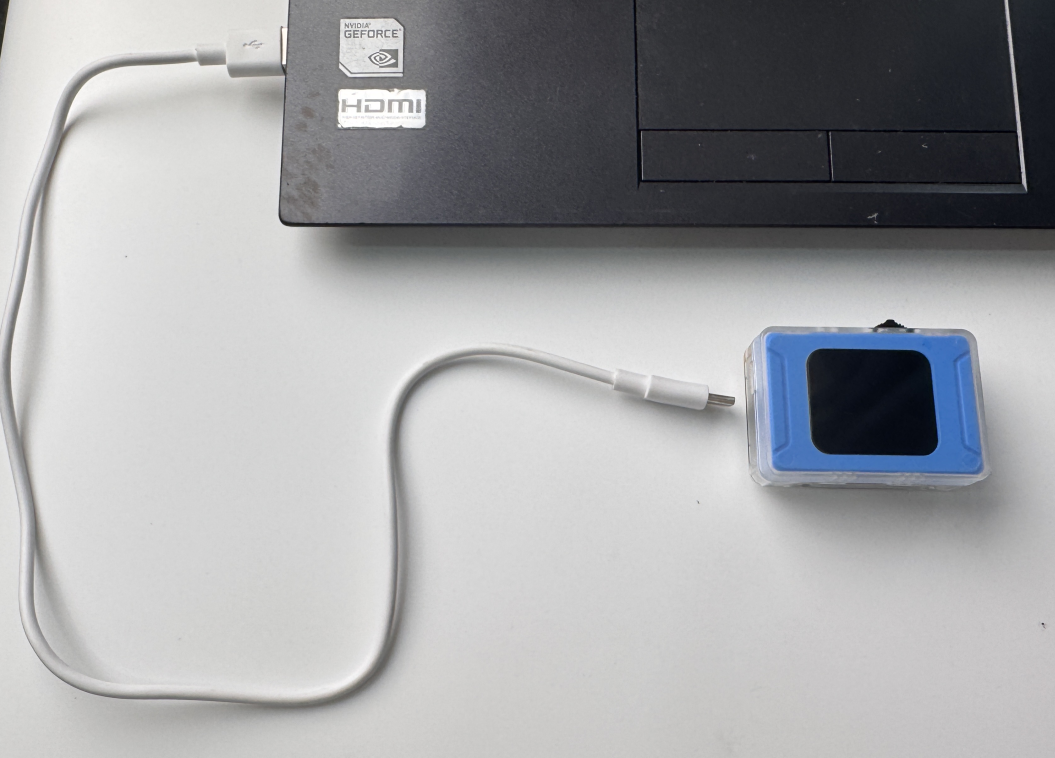
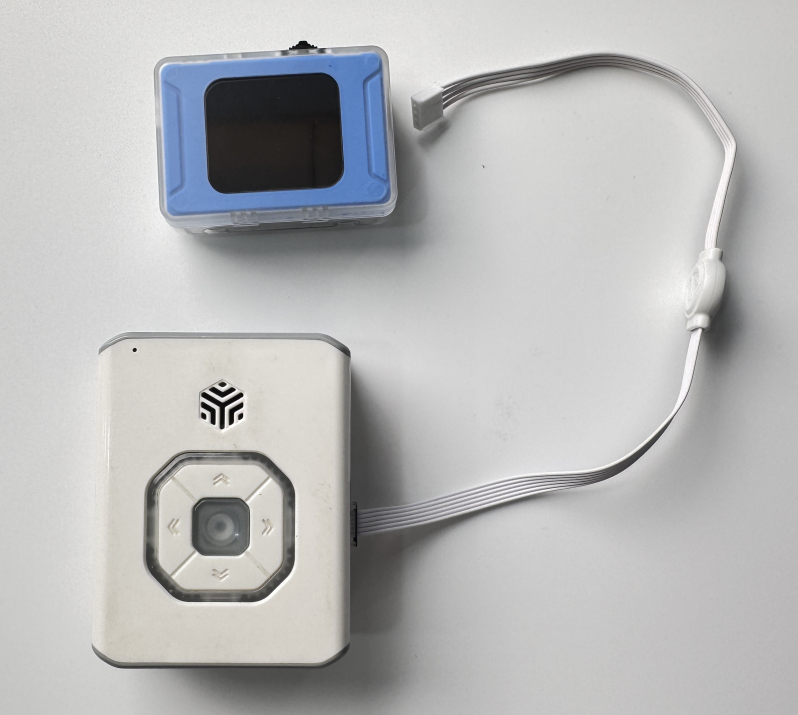
The vision module requires an external device for power supply.
The external device can be connected via USB or the Grove port, providing 5V–1A power to the module.
Examples of Power Supply:
|
|
|---|---|
Computer USB power supply |
ICBricks 2.0 main controller power supply |
Power-On State
Instructions:
Once powered by an external device, the vision module will automatically turn on.
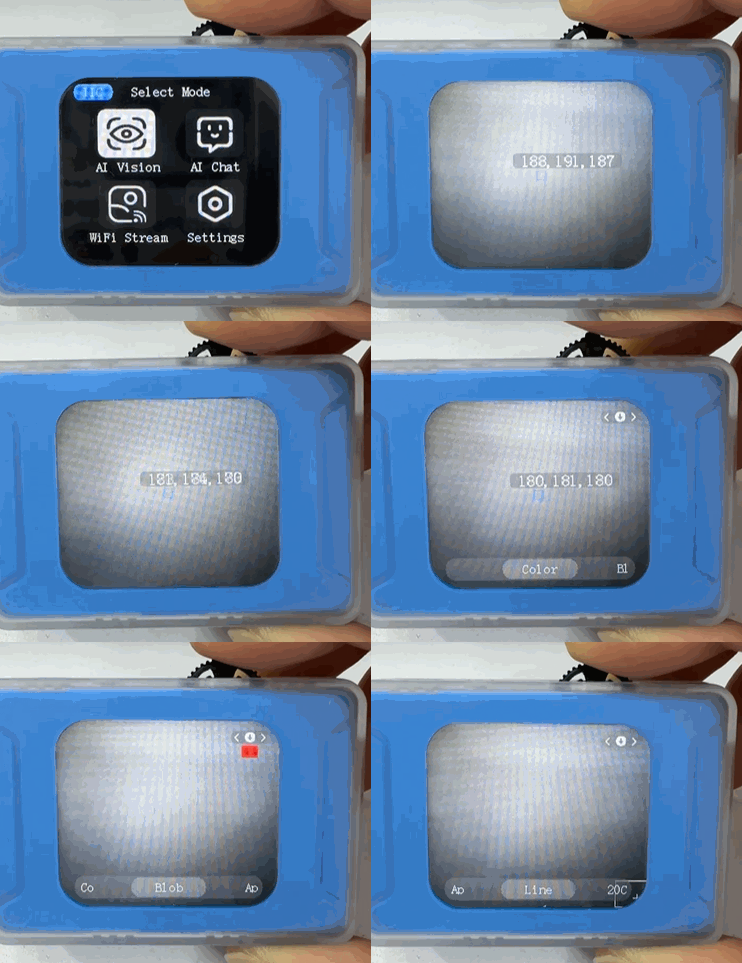
During startup, the display will show the text “ICreateRobot AI Vision” and the fill light will turn green.
After successful startup, the module will enter the “Color Recognition” function interface by default. The status bar and menu bar are hidden; press the dial button to bring them up.

Basic Operation
After startup, the control interface defaults to the “Color Recognition” mode.
Push the dial left or right to switch between different functions.
In the settings interface, you can use press, left toggle, or right toggle operations on the dial to select settings.